03. One dashboard
Every camera. Every alert. One view.
Camera connection, detection, and alerts in one unified dashboard.
Try it: switch analytics on and off, and flip between tabsAnalytics are off for this camera. Turn one on in the sidebar.
MAIN ENTRANCE • CAM 01
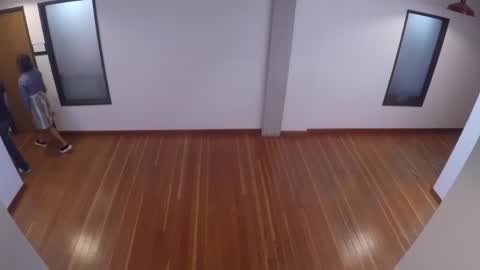 CAM 02
 CAM 05
Recent alerts
No alerts for the analytics switched on. Turn one on in the sidebar.
Alerts, last 7 days88 total
Alert history
| Date | Time | Analytic | Detection | Camera |
|---|
Alerts per day
Alerts by type, 7 days
Every alert is saved with its date and time, so trends build up as you go.
Illustrative product concept. Figures shown are sample data. Footage: Intel IoT DevKit sample videos, CC BY 4.0.
Know how many cameras and which checks you need?
How it works
From camera to alert in four steps
01
Connect
Bring your cameras into SceneWyse.
02
Choose
Pick the analytics for each camera.
03
Detect
SceneWyse monitors activity as it happens.
04
Act
Review timestamped alerts and graphs.
Book a live demo
See SceneWyse in action.
Talk to our team about your sites.
- A walkthrough built around your camera layout
- Analytics matched to each site type
- Cameras and integrations scoped to your requirements
Webskitters Technology Solutions
2010Building since
1,500+Clients served
4 regionsIndia, UK, USA & Singapore
ISO9001:2015 & 27001 certified
Book your live demo
Takes under a minute. All fields are required.
"*" indicates required fields
We use these details only to arrange your demo.